Live TV and TV guide
Find channels in seconds with categories, search and now/next info. TV guide (EPG) and catch-up are supported.
Mac · iPhone · iPad · Android · Android TV
Fluvo IPTV is the easiest way to watch your own IPTV playlist with a clean, cinematic experience. Live TV, a TV guide, movies and series — all in one fast, ad-free app.
Fluvo IPTV is only a player; it does not provide any content.











Platforms
Built for each device: keyboard shortcuts on Mac, touch gestures on phones, and comfortable remote navigation on TV.
macOS 14 or later. Keyboard shortcuts, multi-view, picture in picture.
AvailableiOS / iPadOS 17 or later. Mini player, AirPlay, picture in picture.
Coming to the App StoreAndroid 8.0 or later. Works great on foldables too.
AvailableDesigned for the remote: large cards and a clear focus frame.
AvailableFeatures
No complicated menus. Add your playlist and let Fluvo take care of the rest.
Find channels in seconds with categories, search and now/next info. TV guide (EPG) and catch-up are supported.
Your position in movies and episodes is saved. Season and episode picker, autoplay next episode.
Watch up to four streams at once. Six layouts; audio comes from the window you pick.
Xtream Codes account, M3U link or M3U file. Add several playlists and switch between them.
Automatically switches to the built-in VLC engine for files your device can’t play. Audio and subtitle selection, automatic subtitles.
Lock or hide categories with a PIN. Kids only see what you allow.
Save the channels, movies and series you love with one tap; what you watched last is always at hand.
Switch to another app and the stream keeps playing in a small window.
Screens
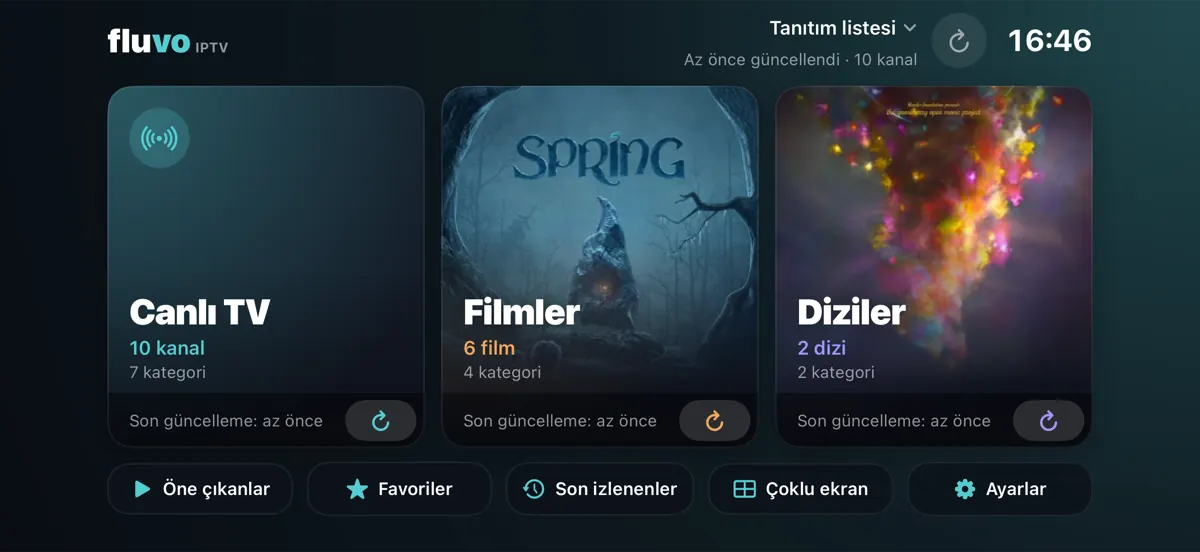
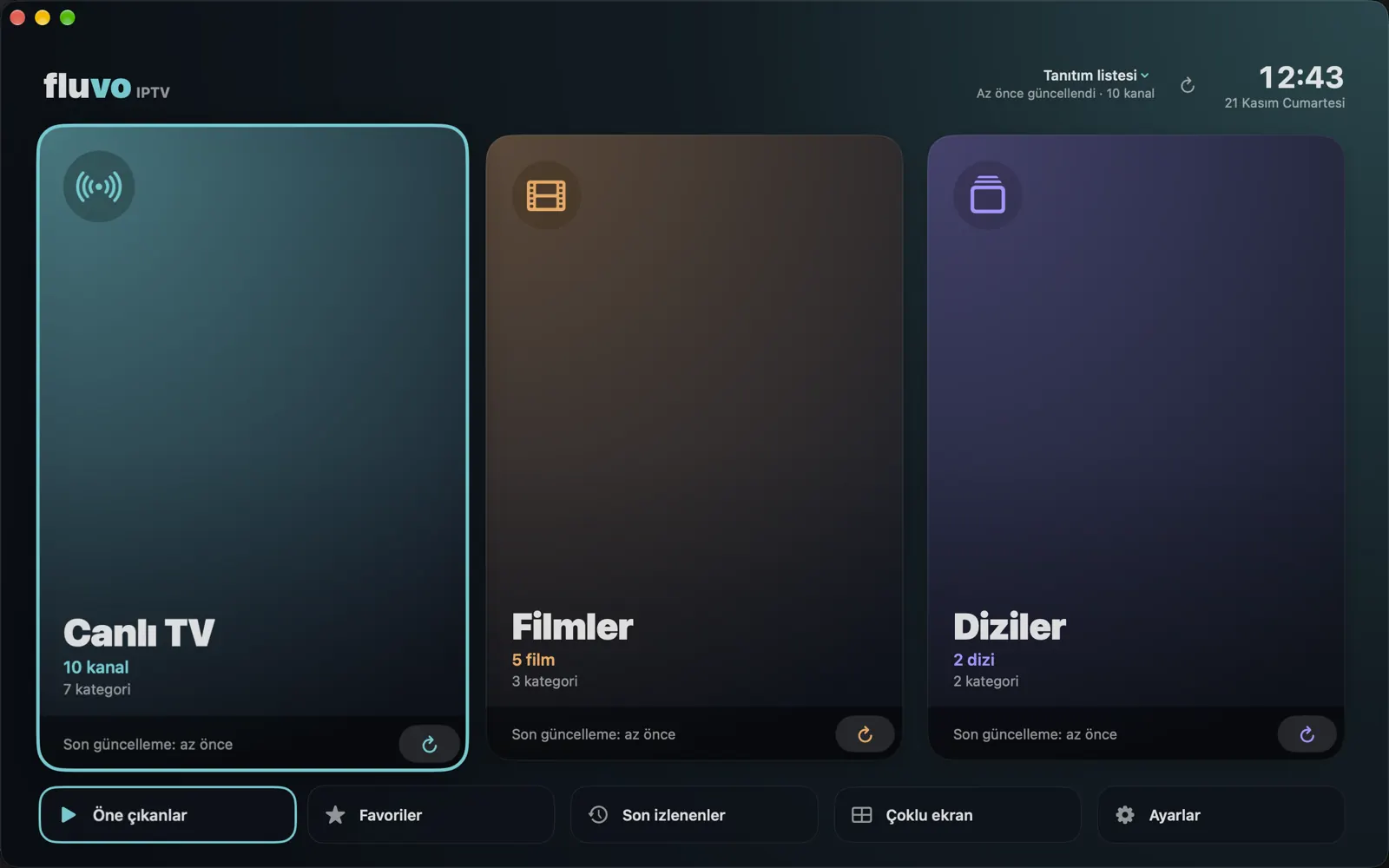
Screenshots come from the app’s demo playlist: openly licensed Blender films and fictional channels drawn for Fluvo. The app interface is currently in Turkish.

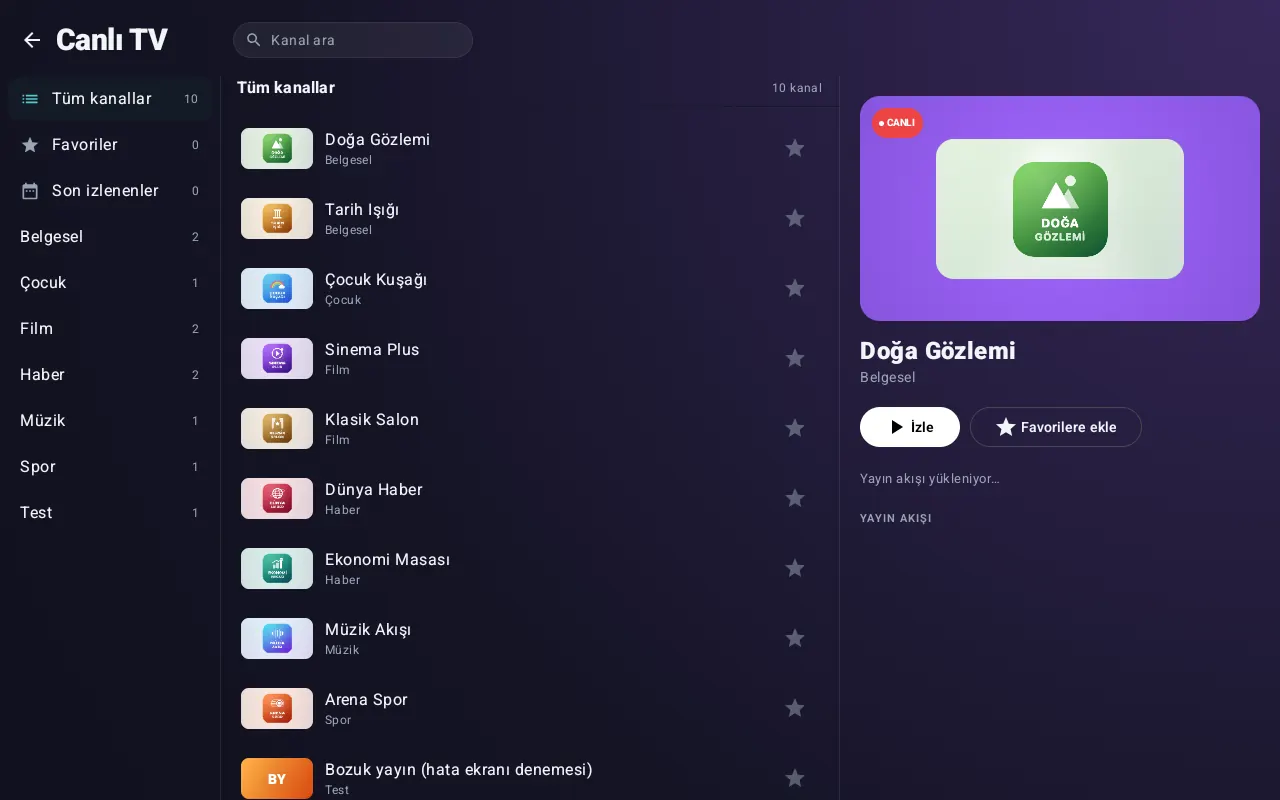
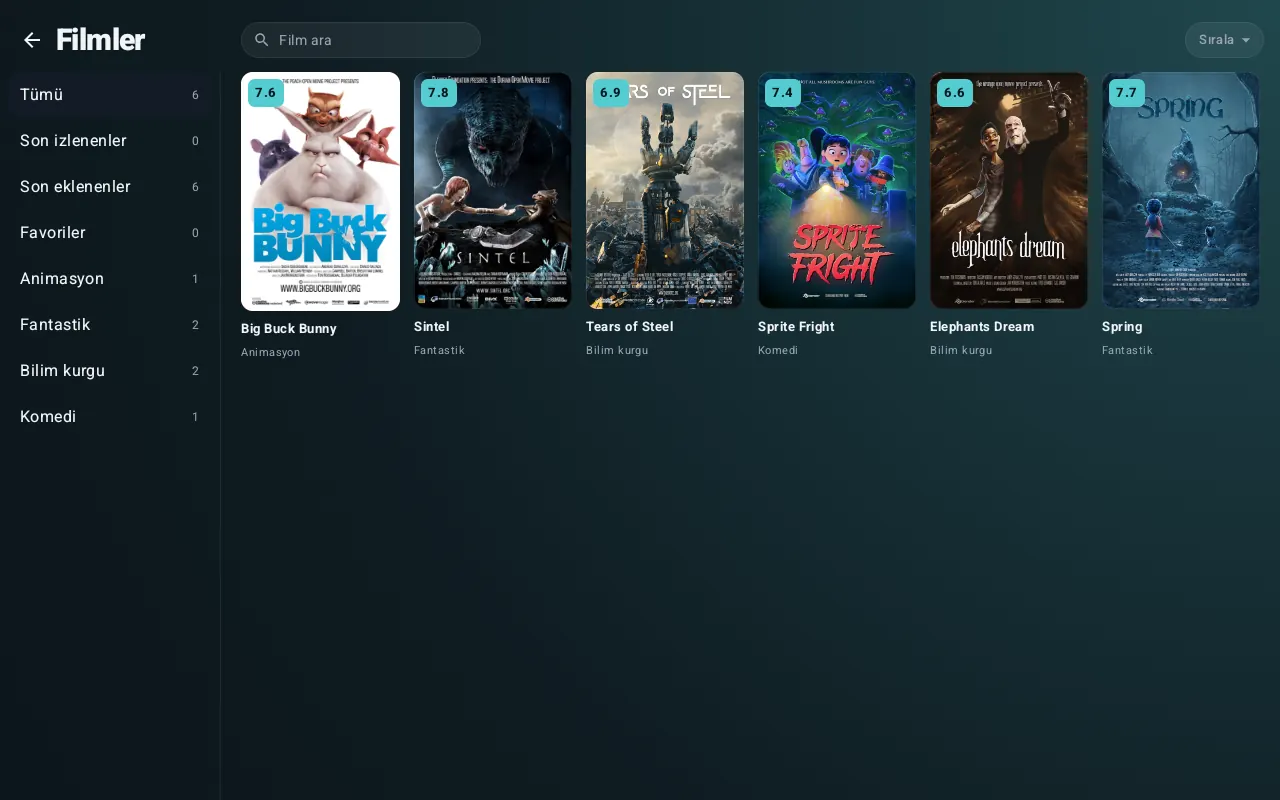
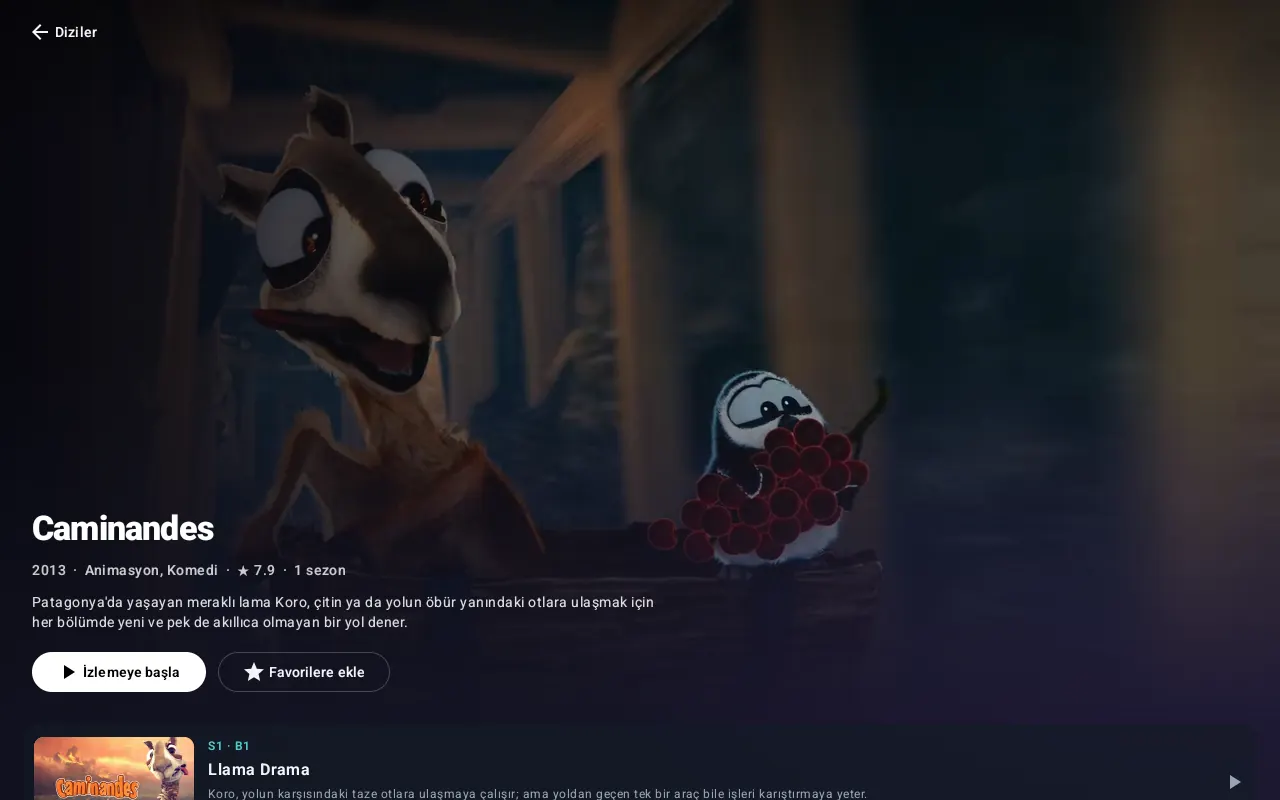
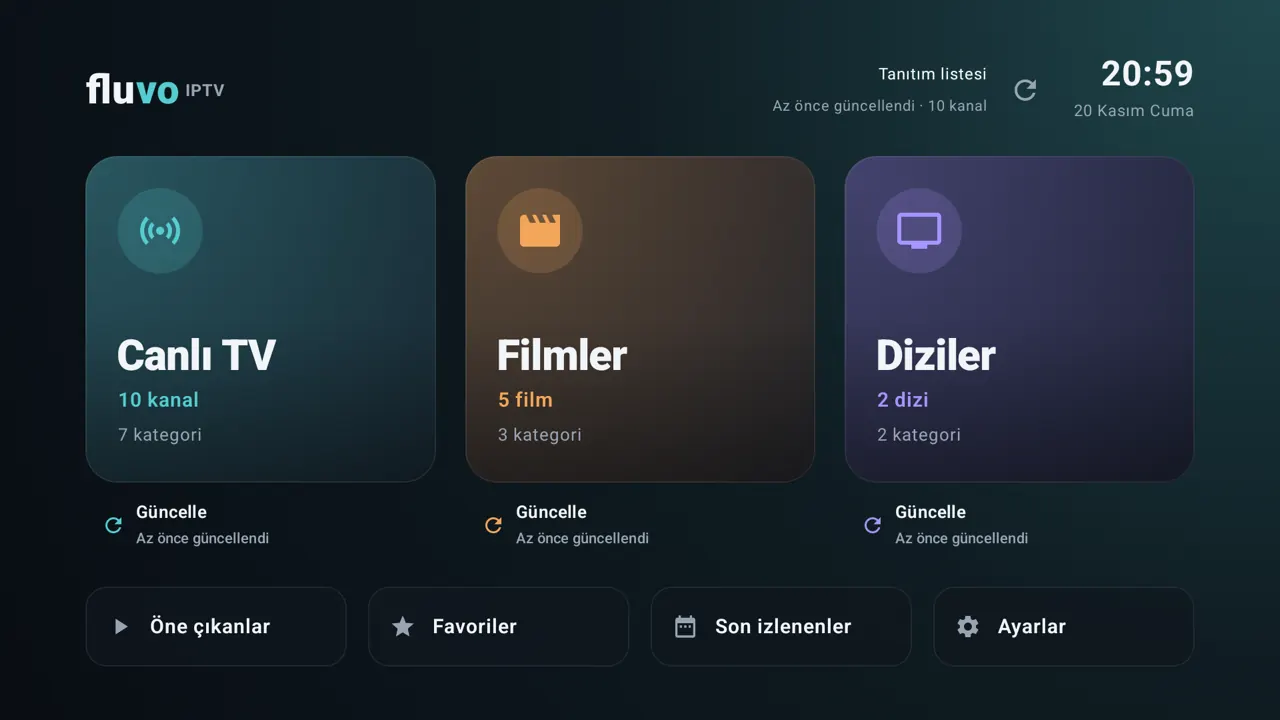
How it works
Download and install the version for your device below.
Enter the Xtream details or M3U link from your provider.
Channels, movies and series are organized automatically.
No playlist yet? Try every screen with the built-in demo playlist — nothing to add.

Download
Free. No ads, no account needed.
macOS 14 or later
Version 0.7.1
If you see a warning on first launch: right-click the app → Open.
Android 8.0 or later
Version 1.17.1
You’ll need to allow “install unknown apps” once during installation.
Android TV 8.0 or later
Version 1.17.1
Copy the APK to your TV with a USB stick or a file-sending app.
iOS / iPadOS 17 or later
Coming to the App StoreWe’ll announce it here once it passes App Store review.
What’s new
What changed in each update, platform by platform.
Once the iPhone & iPad app is on the App Store, its versions will be listed here.
FAQ
No. Fluvo IPTV is only a player. It does not sell or recommend content, channel lists or subscriptions. To watch, you add your own legal source.
Yes. The app is free and has no ads.
The app interface is currently in Turkish. English and more languages are planned and will be announced here.
Xtream Codes (server address, username, password), M3U / M3U8 links and M3U files. You can also add an extra XMLTV guide URL.
Yes. Your username and password are stored only on your device, encrypted (Apple Keychain / Android Keystore). Fluvo runs no servers; your details are never sent anywhere.
Yes. For files your device’s built-in player can’t open, Fluvo automatically switches to its built-in VLC engine.
Download the Android TV APK and copy it to your TV with a USB stick or a file-sending app. Open it with a file manager on the TV and install; the first time you’ll be asked to allow unknown apps.
The app is ready; it will be released after App Store review and announced on this page.
Yes. The built-in “Demo playlist” lets you try every screen with openly licensed films and fictional channels.
Legal notice
It does not provide any content, channels or subscriptions. You add your own legal sources.